
ping不到對方的電腦
首先要查的是電腦的防火牆
因為不同網段
Windows電腦內建的防火牆都是阻擋的
Windows 防火牆整個關閉測試
有些防毒軟體也會阻擋
也要記得關閉之後才能Ping到對方的電腦
如果只開 Ping
可以直接下命令
DOS 命令提示字元 CMD 下命令
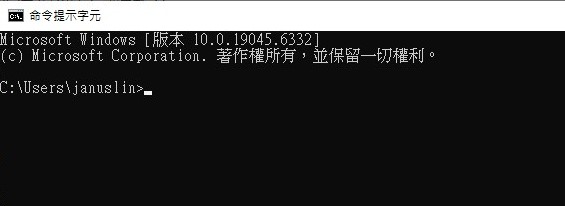
打開Ping回應
netsh advfirewall firewall add rule name="ICMP Allow incoming V4 echo request" protocol=icmpv4:8,any dir=in action=allow
netsh advfirewall firewall add rule name="ICMP Allow incoming V6 echo request" protocol=icmpv6:8,any dir=in action=allow
關閉Ping回應
netsh advfirewall firewall add rule name="ICMP Allow incoming V4 echo request" protocol=icmpv4:8,any dir=in action=block
netsh advfirewall firewall add rule name="ICMP Allow incoming V6 echo request" protocol=icmpv6:8,any dir=in action=block
打開網路芳鄰
netsh advfirewall firewall add rule name="Open Port 139" dir=in action=allow protocol=TCP localport=139
netsh advfirewall firewall add rule name="Open Port 445" dir=in action=allow protocol=TCP localport=445
整個Windows Firewall 關閉
netsh advfirewall set currentprofile state off
重新啟用Windows防火牆
netsh advfirewall set currentprofile state on
查看Window防火牆狀態
netsh advfirewall firewall show rule name=all
相關閱讀
請問一下, 用VPN連入,\\電腦名稱 找不到 \\ip 可以用 請問是什麼原因?